
Help
Updated .
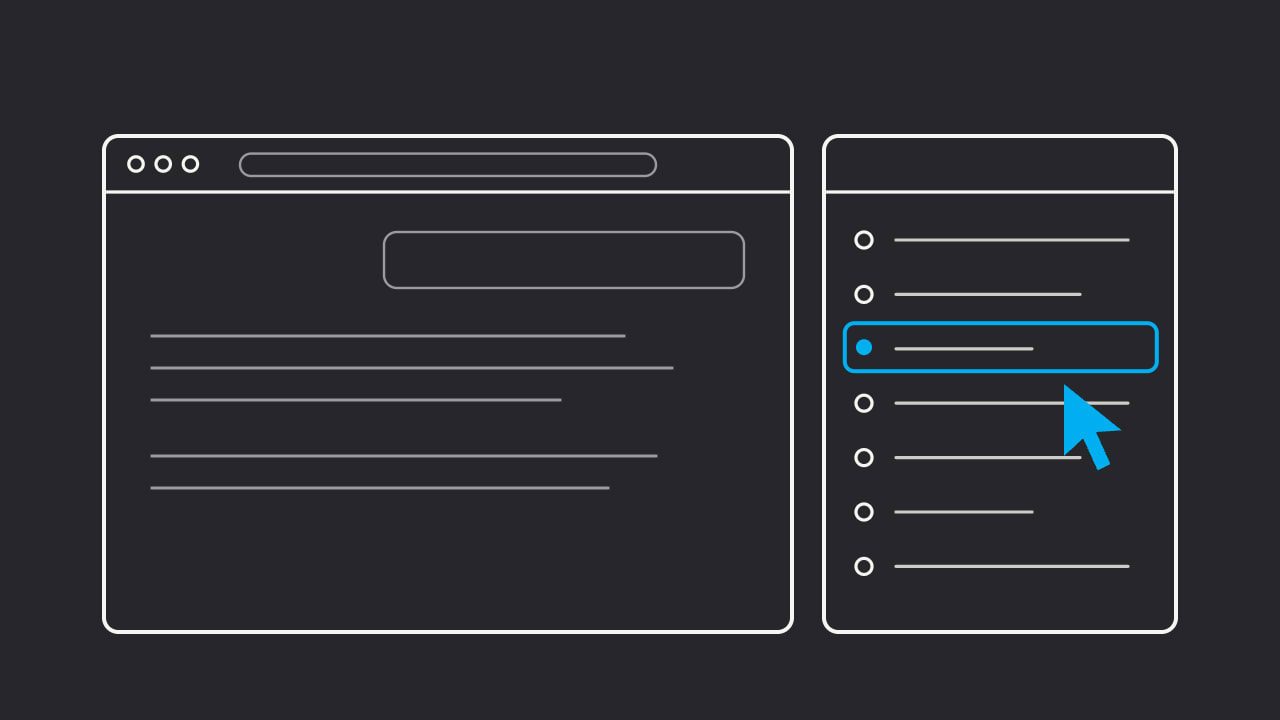
Short answers for each thing you can do with Only Fan Out, the free Chrome side panel for ChatGPT, Claude and Grok. Each page gives the steps first. For ChatGPT, start with how to see what ChatGPT searched.
See what an assistant searched
How to see what Claude searched
Claude's web searches, page fetches and place searches for each answer, with the pages it read and cited.
How to see what Grok searched
Grok's web searches, page browses and X searches for each answer, with the pages and posts it found and cited.
How to see which X posts Grok used
The X posts Grok's searches brought back for an answer, and how many the answer cited.
How to see which places Claude used
The places Claude's place searches returned for a local question, and which ones it mapped or named.
Use what you captured
How to set up the watchlist for your brand and domain
Add brands and domains once, and each captured answer shows whether they were cited, mentioned, fetched or absent.
How to export Claude and Grok searches
Save a Claude or Grok conversation's searches and sources as CSV, Markdown or JSON, or copy one turn's queries.
How to search your past AI searches
Find a past ChatGPT, Claude or Grok conversation by title, prompt or query text in History.
Your data
How to back up your captured data
Save every captured conversation as one JSON file from History.
How to pause capture or delete your data
Turn capture off without a reload, delete one conversation, or clear everything.
Fix a problem
Why the side panel shows nothing, and how to fix it
Fixes for a side panel that is empty or misses a search on ChatGPT, Claude or Grok.
Something else? The support page lists the fixes that solve most problems and what to send in a bug report.
Add Only Fan Out to Chrome
Only Fan Out is a free Chrome side panel that lists the queries, fetched pages and cited pages behind each ChatGPT, Claude or Grok answer. Nothing leaves your browser.
Add to Chrome, it's free